
Video: Hello World - Programming with Events
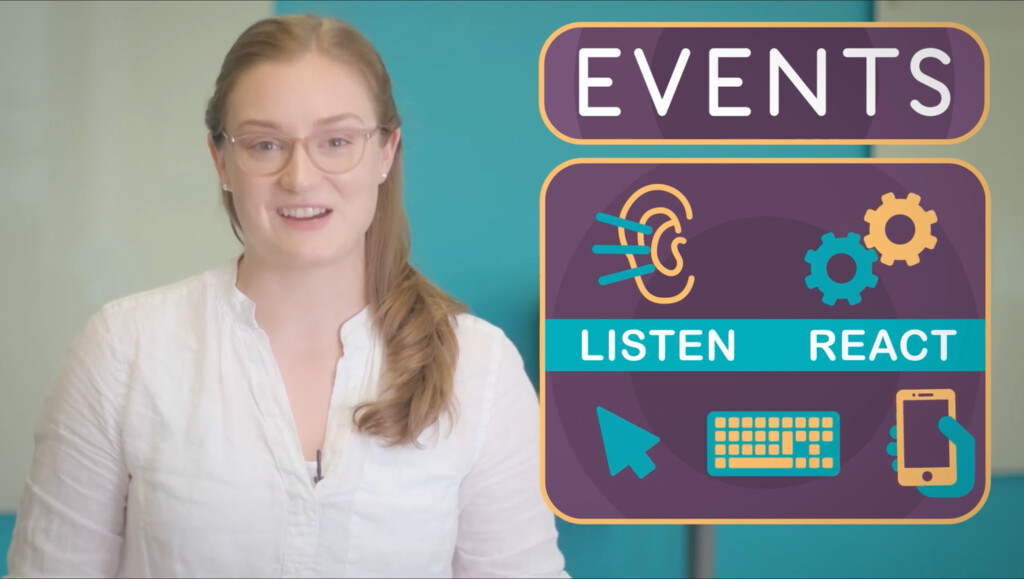
Now that you've learned how to use Sprite Lab, you're going to want to make your program react when someone plays with it. To do that, you're going to use events. An event tells your program to listen for something to happen, and then react right away.
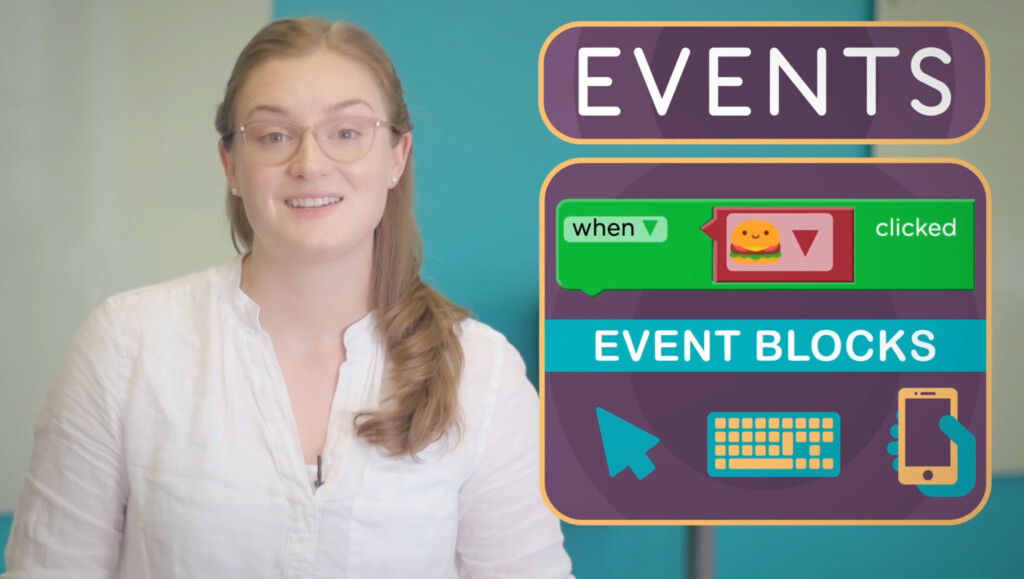
Some examples of events are listening for a mouse click, an arrow button, or a tap on the screen. Blocks like "when clicked" are called event blocks. The code connected to an event block runs when the appropriate action is detected.
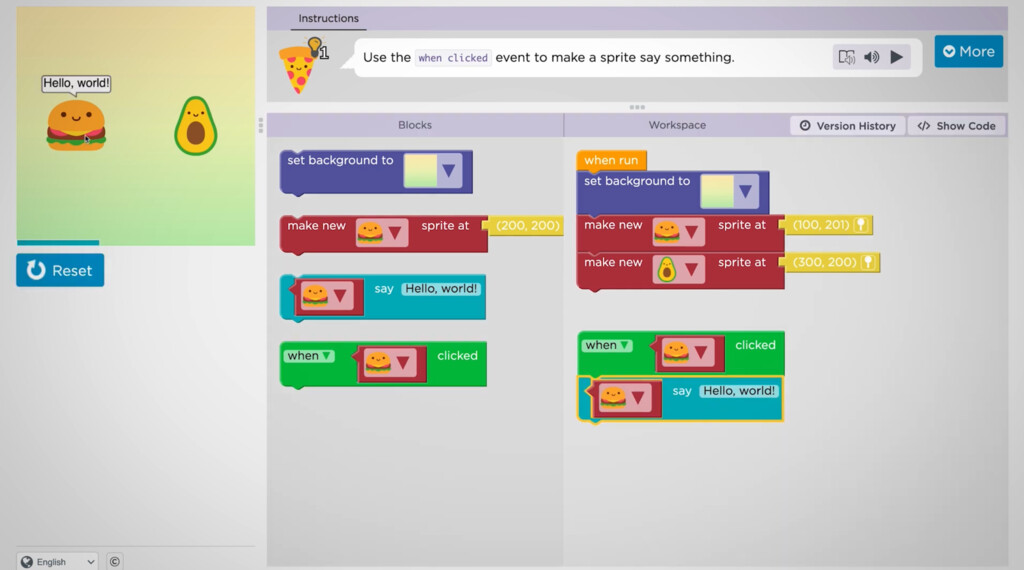
For example, if I attach this "say" block to the "when clicked" event, my sprite will say something when the user clicks or taps on it. Notice that event blocks don't snap into your main program. Instead, they create little programs of their own.
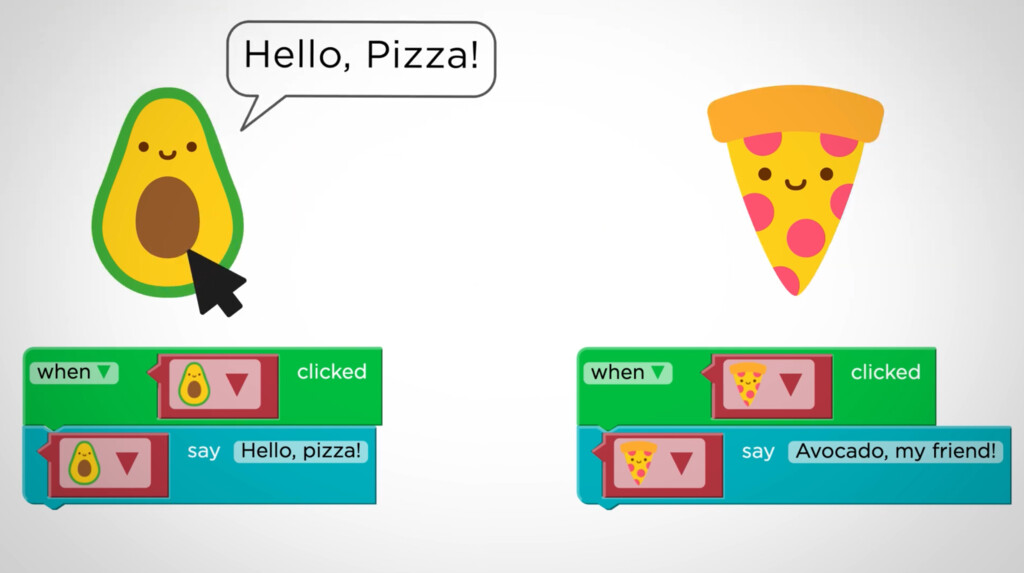
If you have multiple sprites, you can use additional events to tell an interactive story.
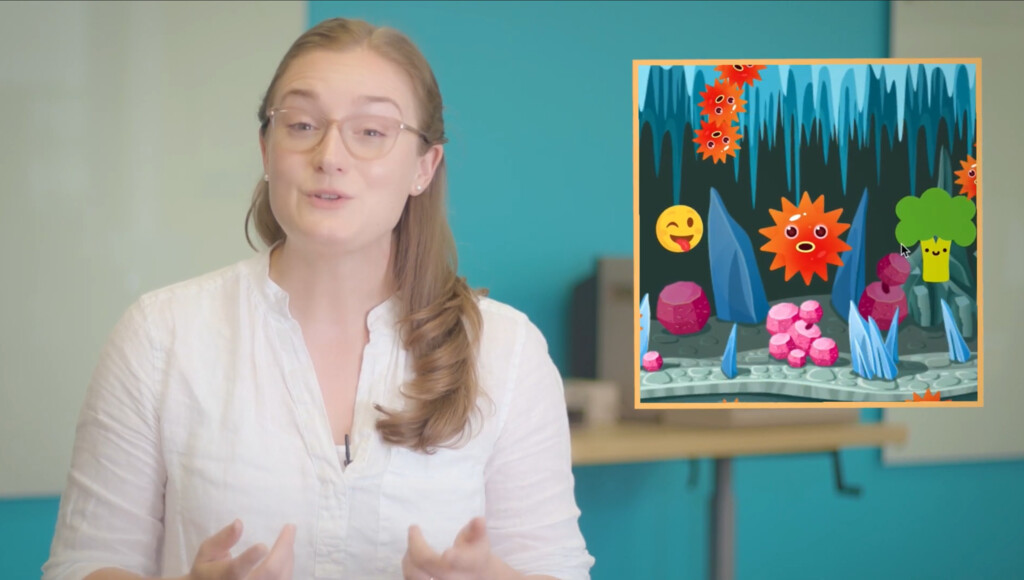
You'll soon be learning how to do even more in Sprite Lab, including changing the size or appearance of a sprite, setting different backgrounds, playing sounds, and more. What do you want your sprites to do when someone interacts with them? It's up to you!